Learn · 25 guides
Learn. How every part of Node Composer works.
Guides, tutorials and answers, organised by topic. Pick a track on the left and work through it at your own pace.
01 · Start here
Getting started
Install Node Composer, activate your license, and bring your own keys.
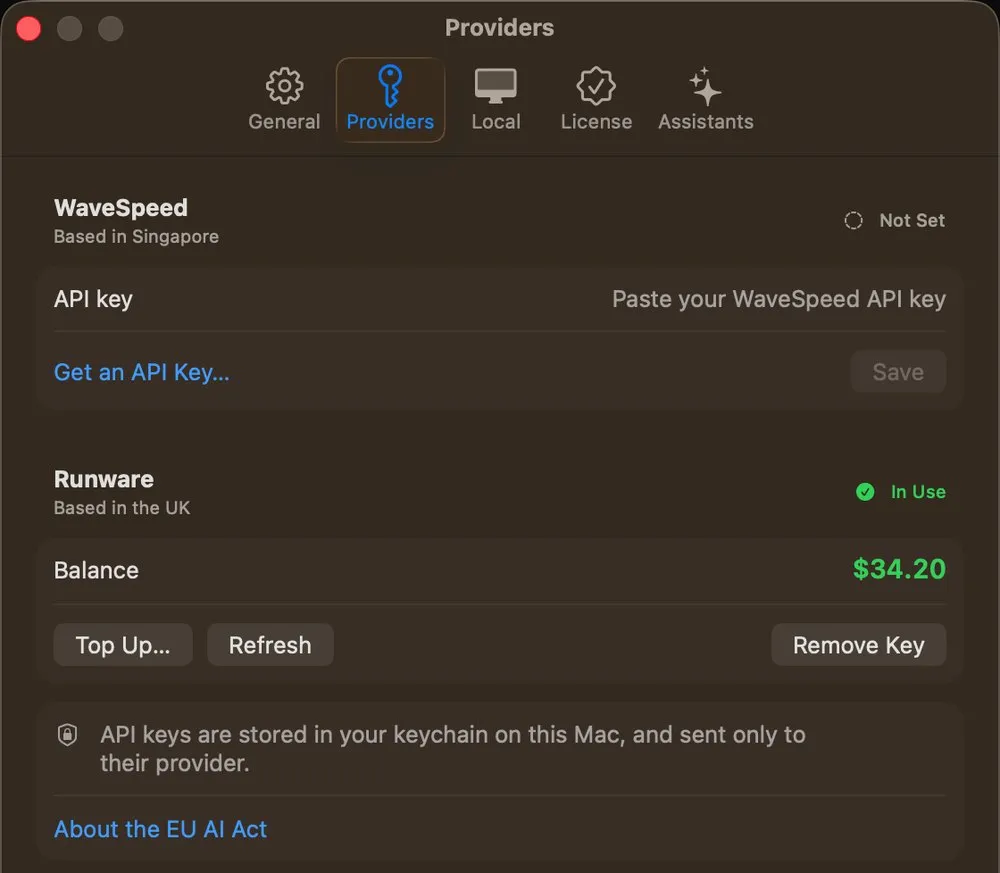
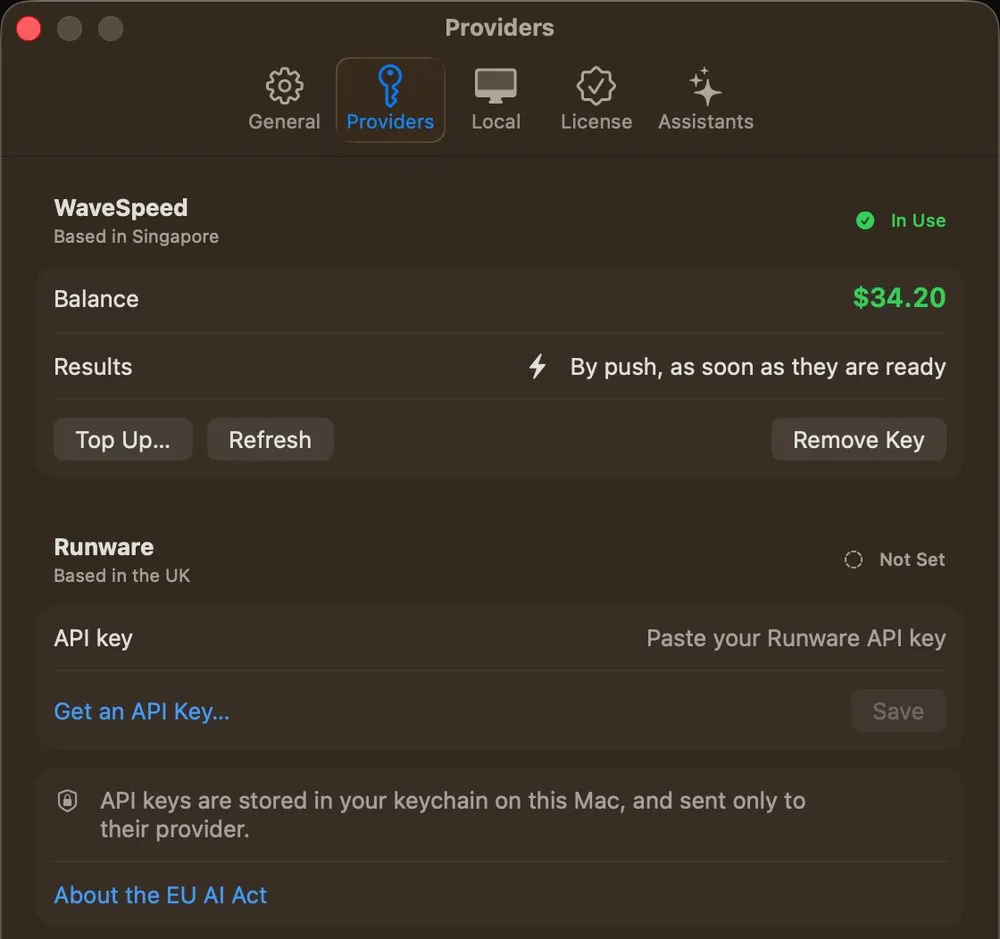
01How do I connect Runware?Create a Runware API key and paste it into Node Composer — the whole setup takes about a minute.Read the guide 02How do I connect WaveSpeed?Create a WaveSpeed API key and paste it into Node Composer — the whole setup takes about a minute.Read the guide 03Model pricingWhat each AI model costs per generation, as the providers charge it — every node on one page.Read the guide
02 · The app
Using the app
Organise your projects, and learn what every button in the editor does.
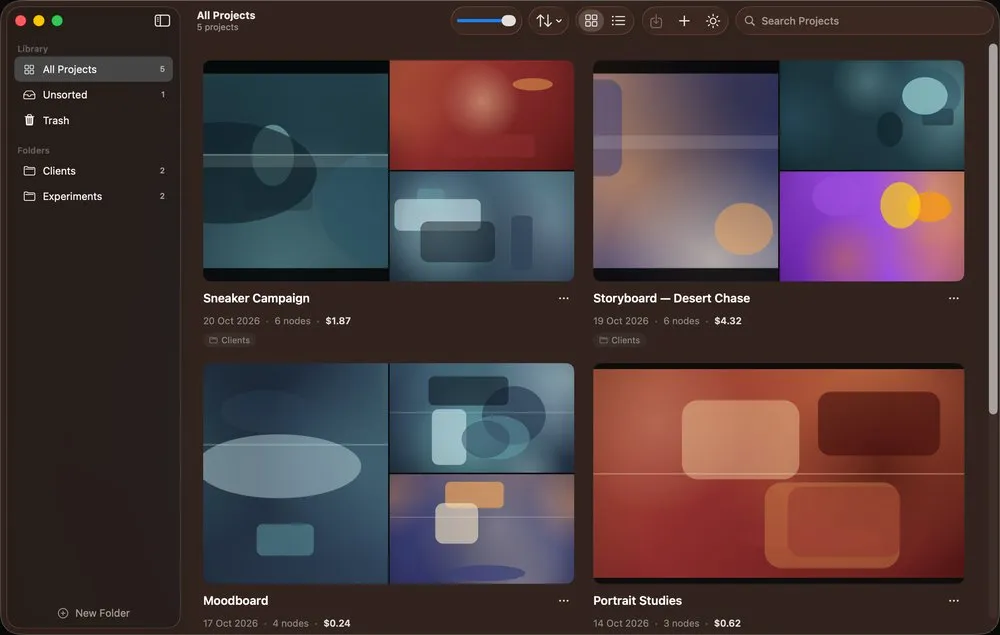
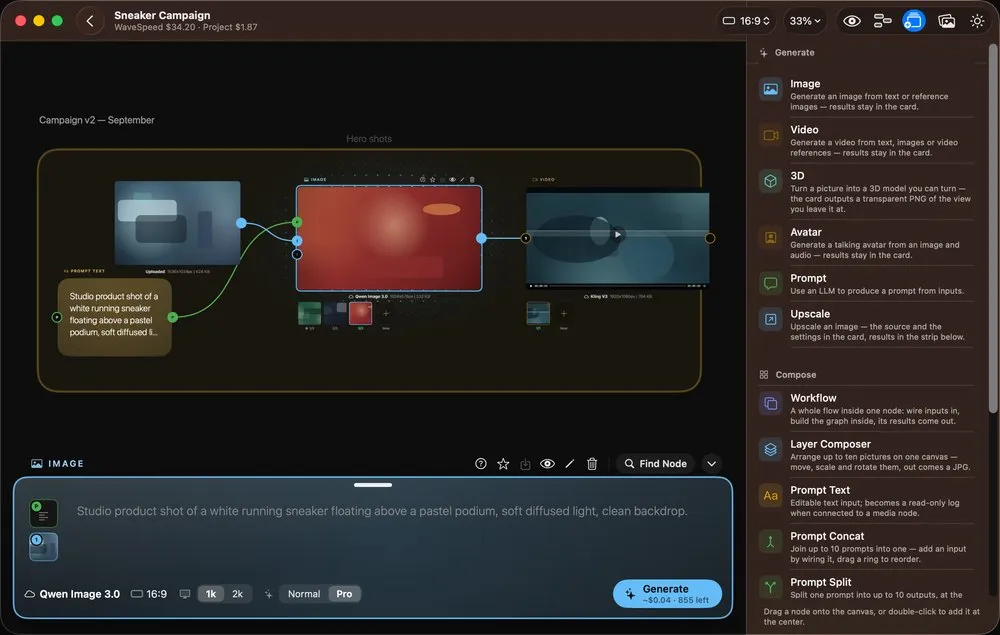
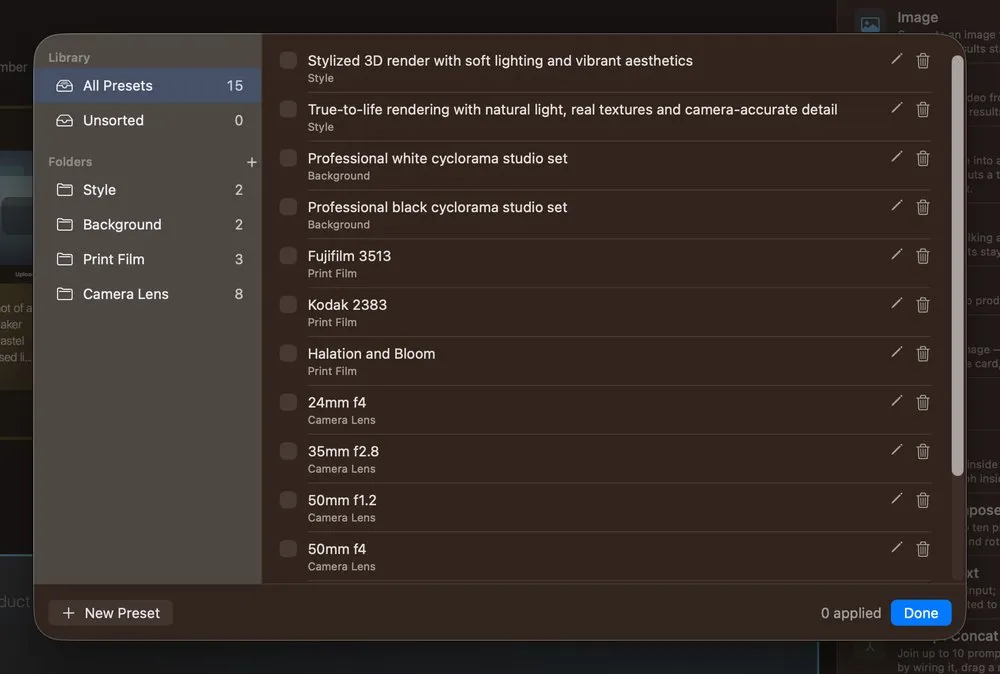
01Managing your ProjectsThe Project Library is where every composition lives — create, organise into folders, duplicate, export and delete your projects.Read the guide 02The canvas interfaceA tour of the canvas — what every button in the toolbar, the canvas controls and the side panels actually does.Read the guide 03PresetsReusable scraps of prompt — lenses, film stocks, backgrounds, styles — kept in one library and dropped into any prompt.Read the guide
03 · Nodes
Node reference
One page per node, in the three families the app groups them into: the ones that generate, the ones that compose, and the ones that reach another app on your machine.
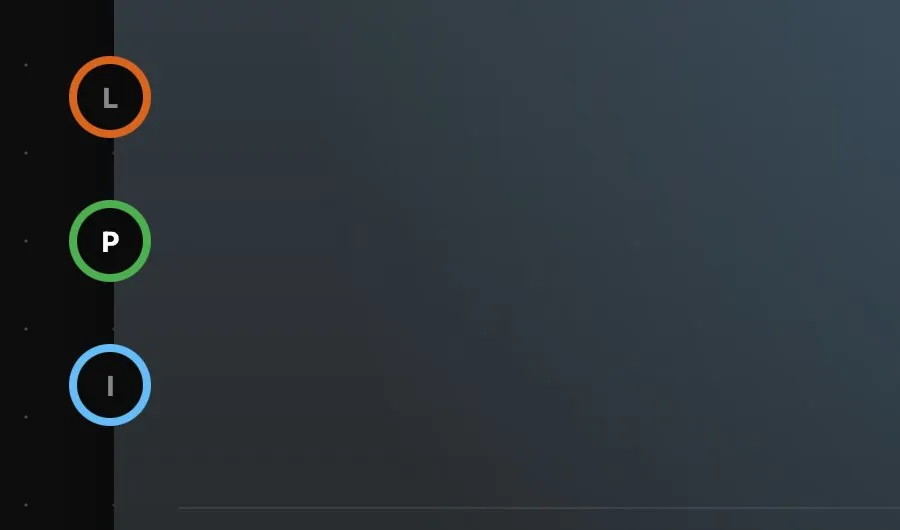
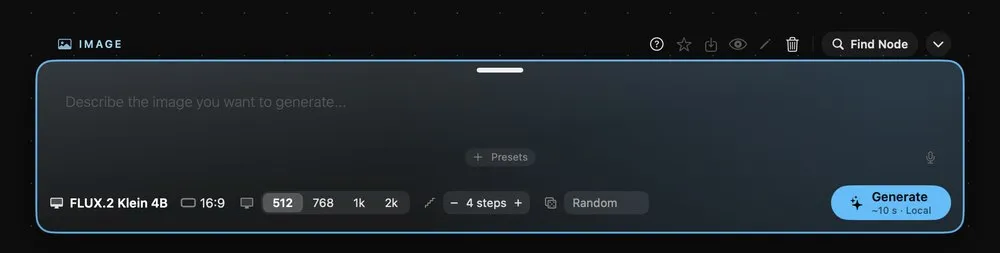
01How nodes workAdding a node, reading its rings, the buttons above every card, and where its results go.Read the guide 02The Prompt barWhere you write the prompt and set the model of the selected card, along the bottom of the canvas.Read the guide
Generate
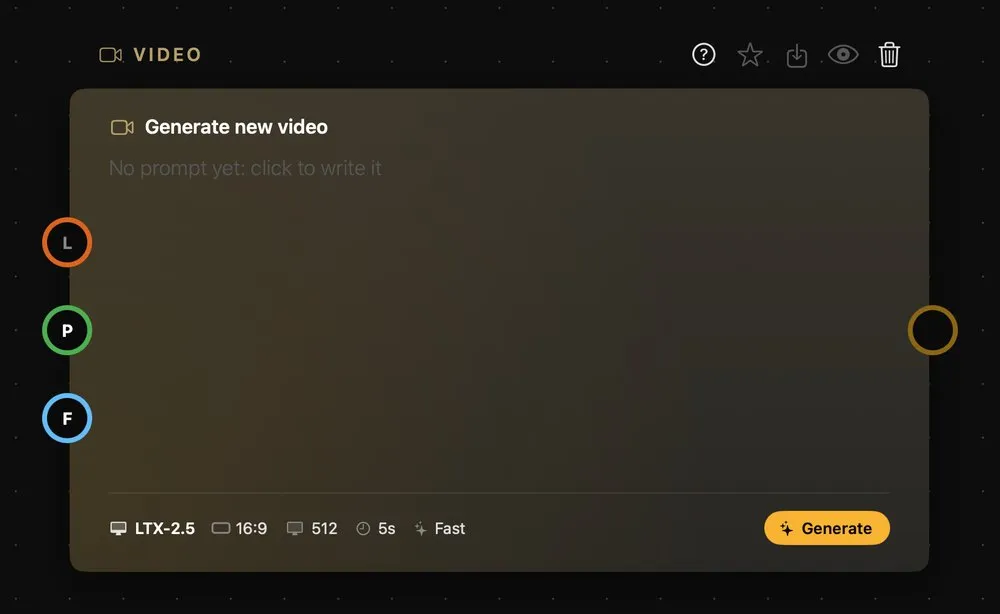
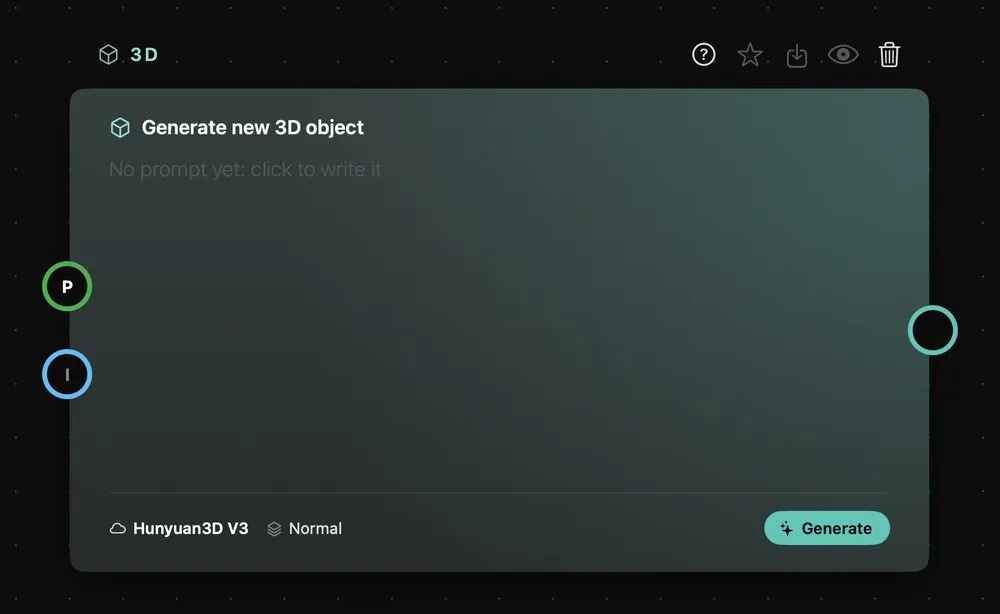
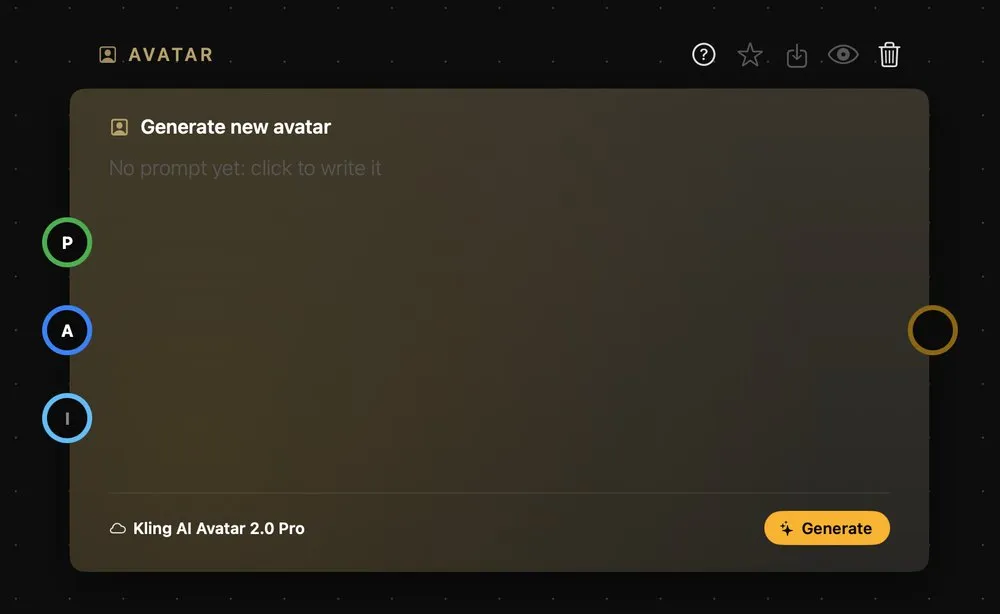
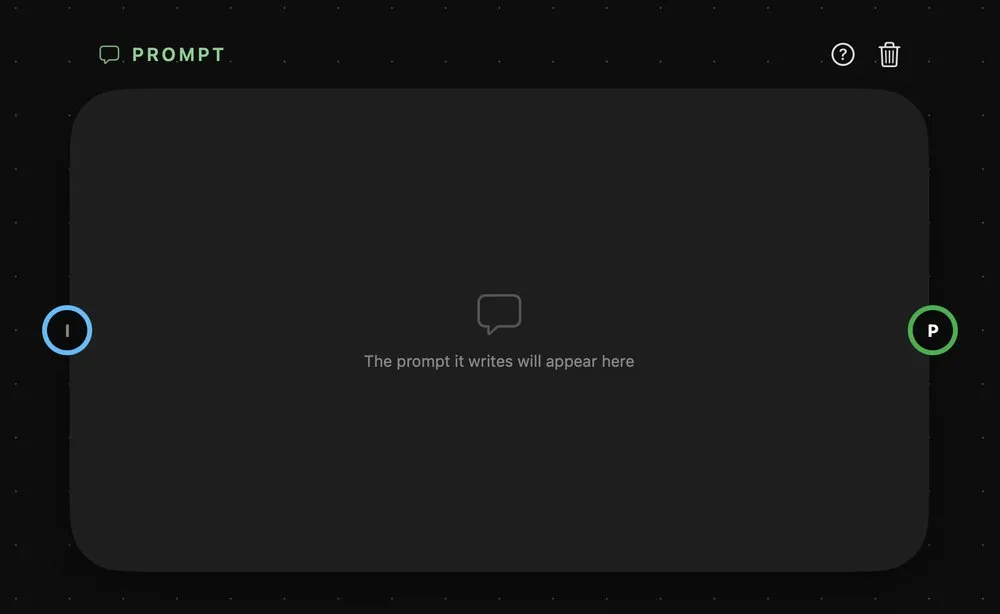
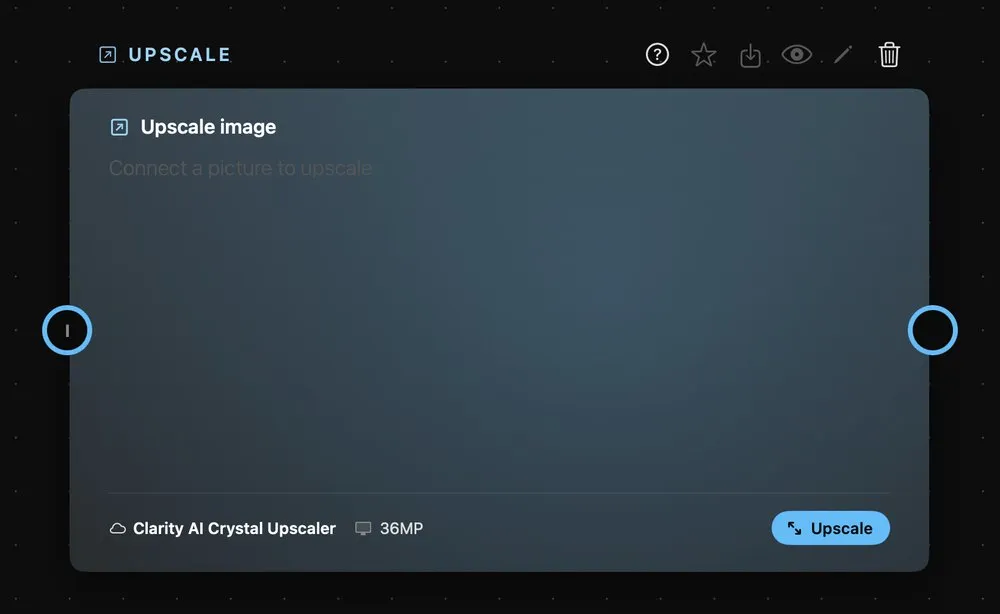
03ImageMake still images from a prompt, or from a prompt plus reference images.Read the guide 04VideoMake video from a prompt, from a first and last frame, or from reference pictures, clips and sounds.Read the guide 053DTurn pictures, or a description, into a 3D object you can turn — and send the angle you choose on down the graph.Read the guide 06AvatarTurn a portrait and a sound clip into a talking, lip-synced video.Read the guide 07PromptA chat with a language model that writes prompts for your other nodes.Read the guide 08UpscaleEnlarge an image and add detail.Read the guide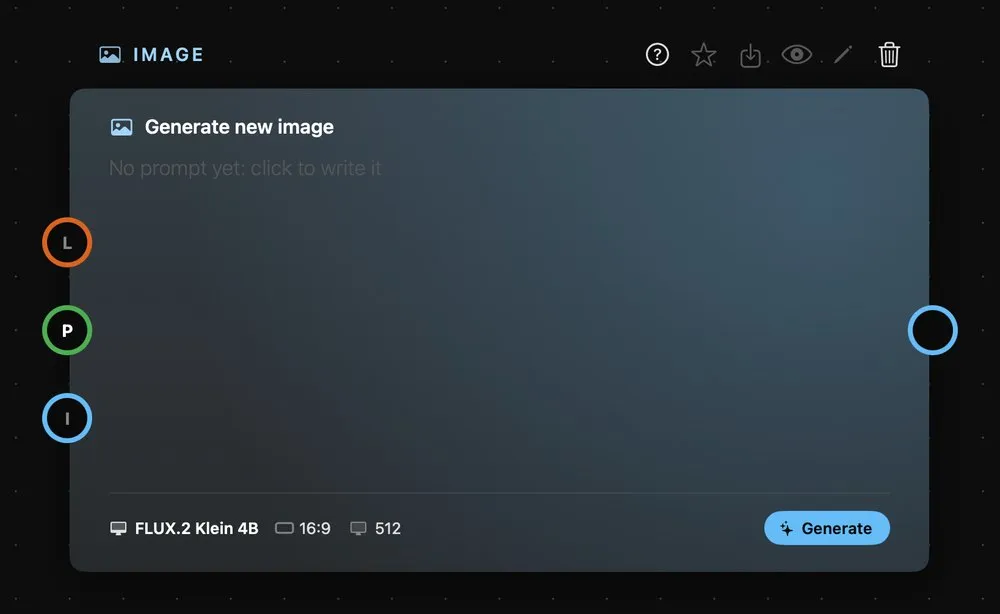
Compose
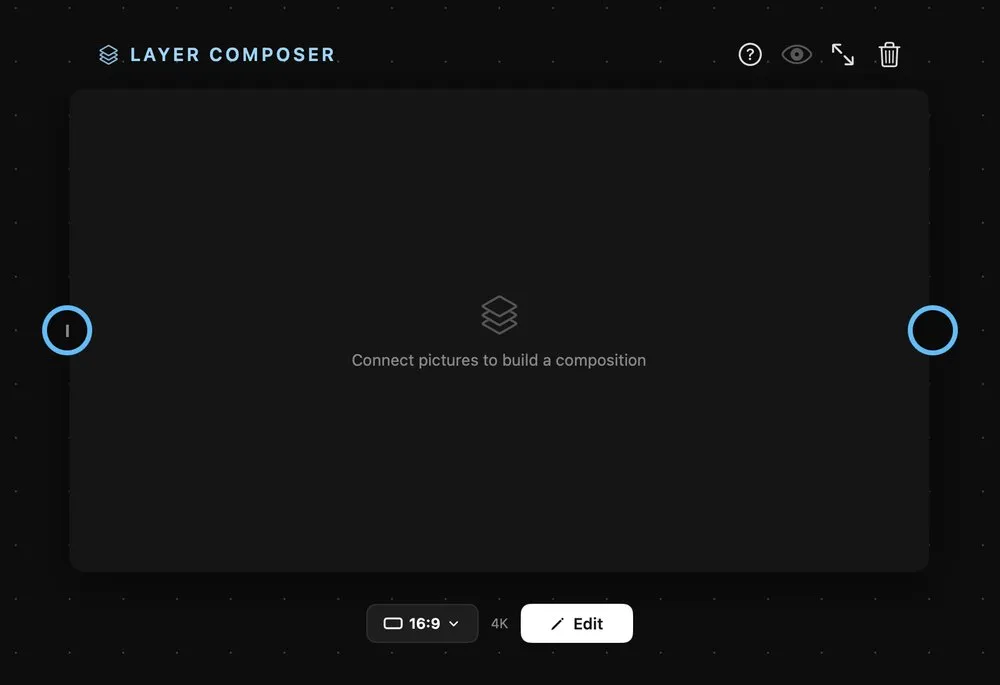
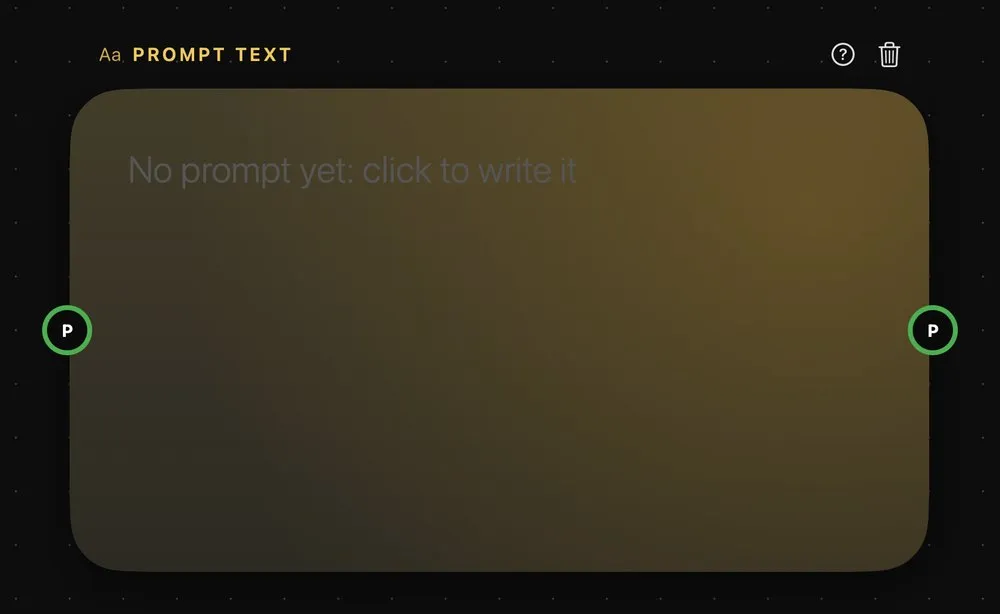
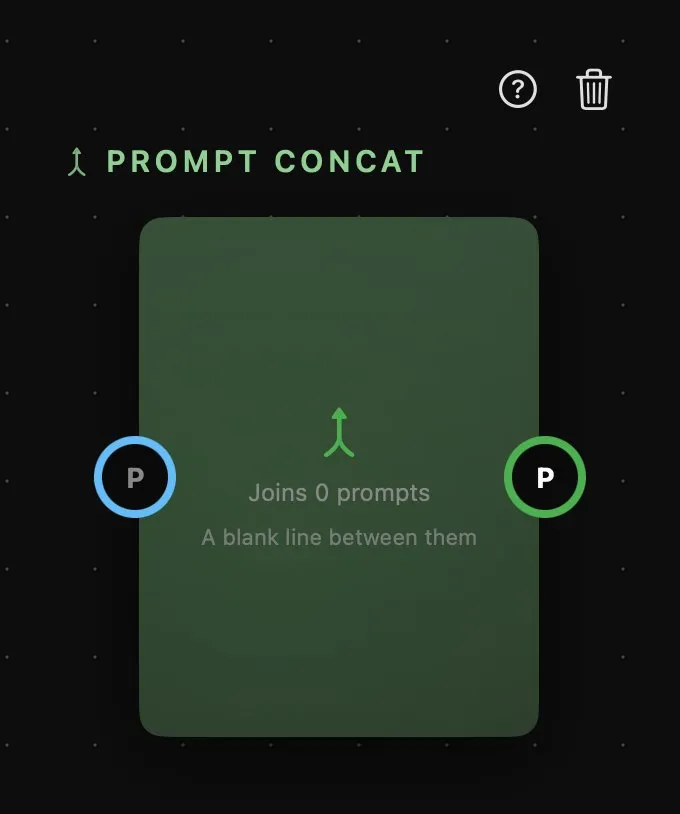
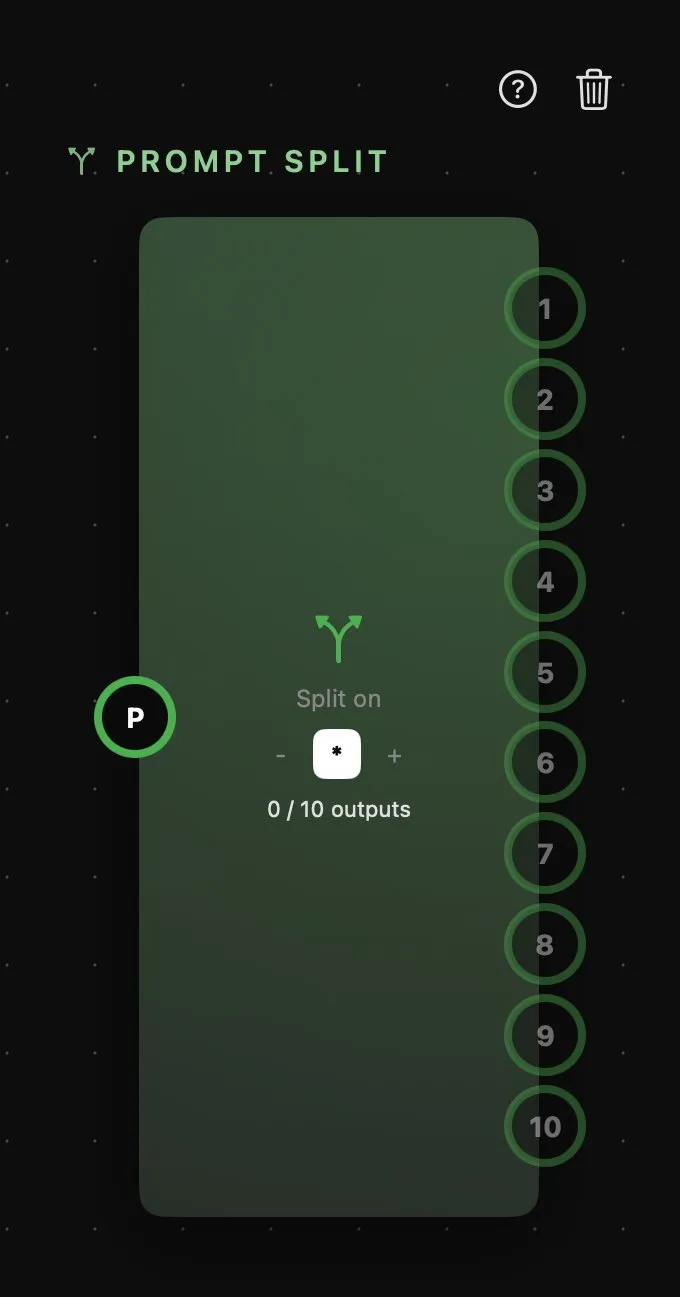
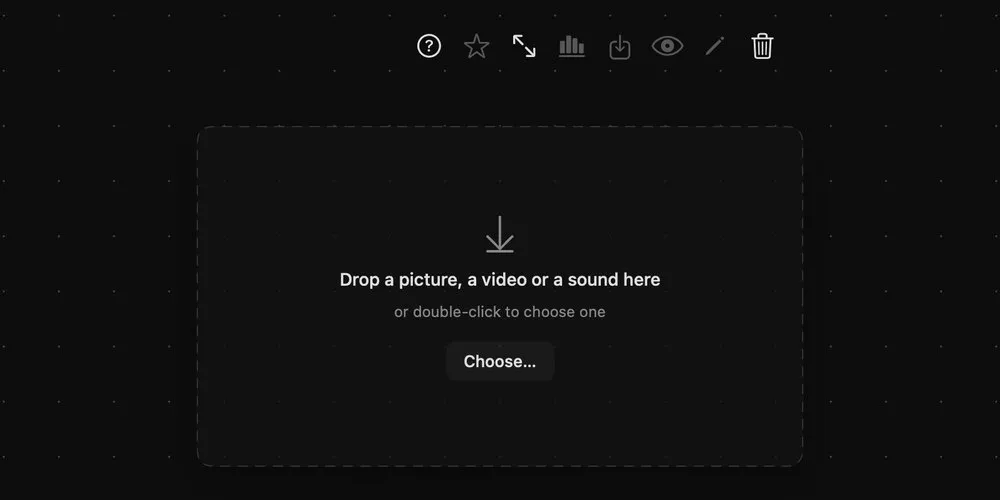
09WorkflowA whole graph folded inside one card — wire inputs in, build the flow inside, and take out as many results as you need.Read the guide 10Layer ComposerArrange up to ten pictures on one canvas — move, scale, rotate and blend them — and out comes a single image.Read the guide 11Prompt TextA prompt you write once and wire into as many cards as you like.Read the guide 12Prompt ConcatJoin up to ten prompts into one — wire them in, in the order you want, and out comes a single text.Read the guide 13Prompt SplitBreak one prompt into up to ten parts, and send each to a different generator.Read the guide 14FrameAn area to group cards on the canvas and give them a title.Read the guide 15LabelA title or a note anywhere on the canvas.Read the guide 16Media PlaceholderAn empty slot for a picture, a video or a sound — build the flow once and drop new media in each time.Read the guide 17LoRAA LoRA file from this Mac, to give a local model a style, a character or a product it was trained on.Read the guide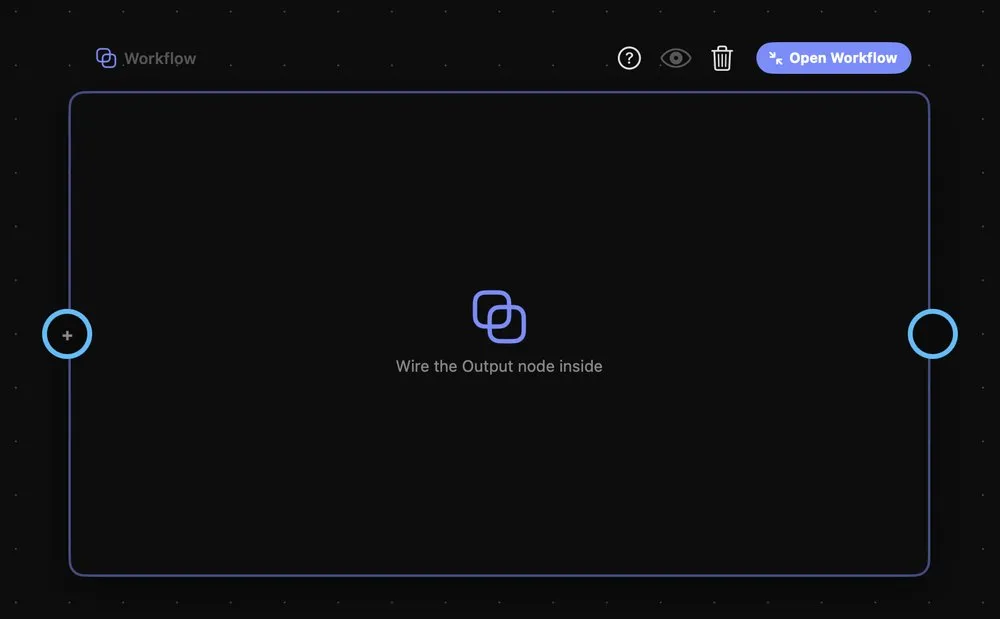
Connectors
18BlenderRender the scene you have open in Blender as a free, flat-shaded clip — a reference to hand to a video model.Read the guide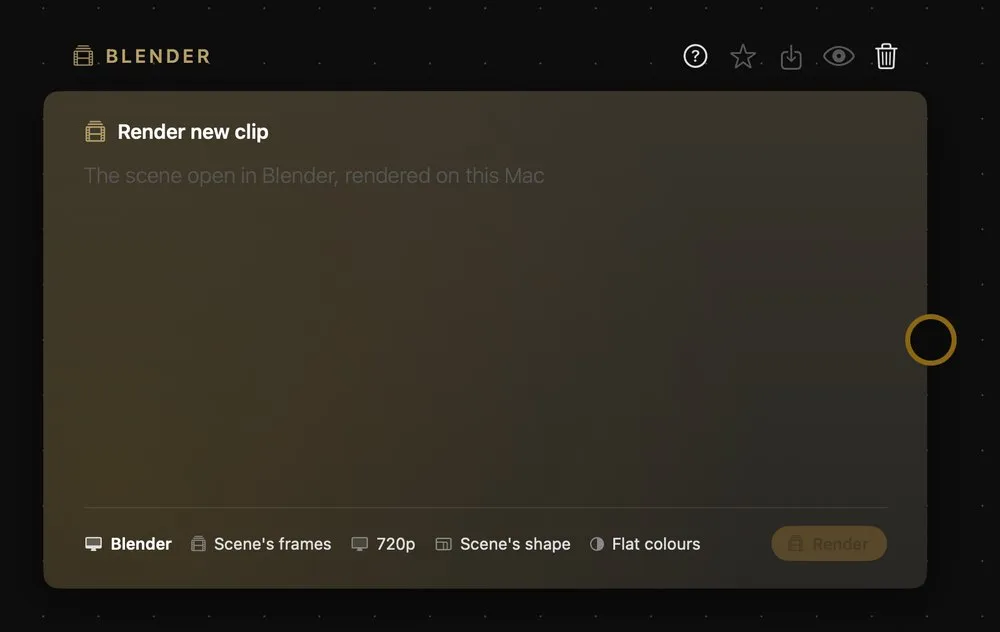
04 · Workflows
Building workflows
How handles work, and what can plug into what.
01How nodes connectRead the rings — what the colours, the letters and the numbers mean, and what can plug into what.Read the guide 02WorkflowsReal projects made in Node Composer, from a sketch to a 16-second reel: the canvas, every prompt, what each one cost, and the file to open in the app.See the workflows